
Creating A Sun Simulation using JavaScript
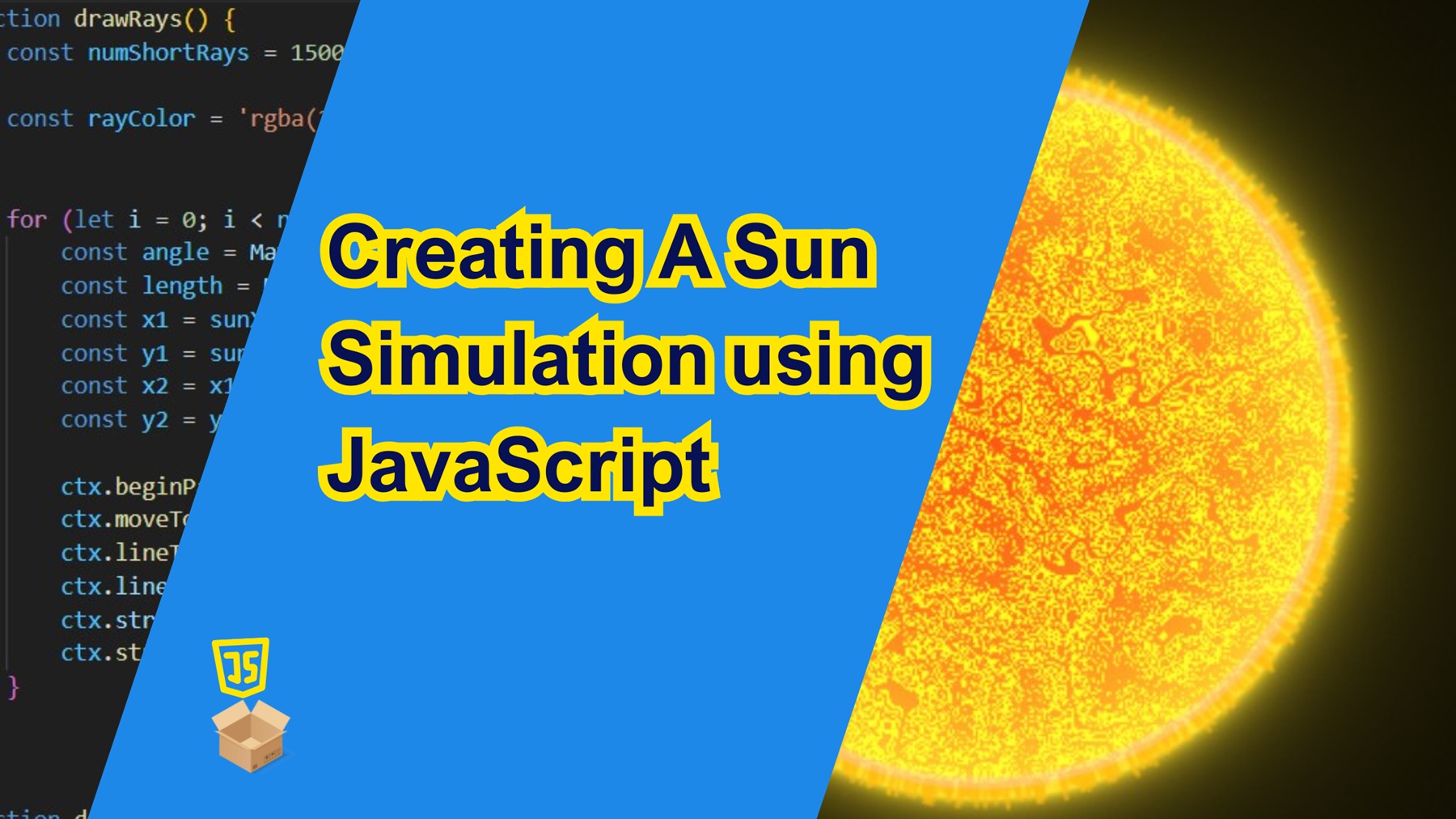
Did you know the Sun is a staggering 149 million kilometers away from Earth? Yet, we often see stunning, up-close images of it in movies and animations. How is that possible? The answer lies in computer-generated imagery (CGI).
In this tutorial, we are going to look at how to create our own digital visualization of the Sun. Our simulation will feature a glowing Sun with animated rays and a textured surface generated using coded noise. Let’s dive in!
Prerequisites
Before we get started, make sure you have a basic understanding of HTML, CSS, and JavaScript.
- Basic Understanding of HTML, CSS, and JavaScript: Familiarity with the fundamental concepts of HTML for structuring web pages, CSS for styling, and JavaScript for adding interactivity is essential. This tutorial assumes a basic knowledge of these languages.
- Web Browser: Use a modern web browser like Google Chrome, Mozilla Firefox, or Microsoft Edge.
For the purpose of this tutorial, you can download the source files for the demo to help you follow along:
Note: As you test the source files, ensure that you load them within a suitable environment such that all the files are loaded. For offline use, we recommend that you use Live Server and vscode to load the files. Simply open the files in Vscode and run “index.html” using Live Server.
Demo
Here is what we are going to create.
Lets Get Started!
Let’s start by setting up the basic HTML structure for our project as usual. Create an HTML called “index.html”, with a basic HTML web format, and add a canvas element.
Creating the Canvas Element
We create a basic HTML structure with a <canvas> element where we will draw the sun as shown below.
<!DOCTYPE html>
<html lang="en">

<head>
    <meta charset="UTF-8">
    <meta name="viewport" content="width=device-width, initial-scale=1.0">
    <title>Sun Simulation- by 25scripts.com</title>
    <style>
        body {
            margin: auto;
            display: flex;
            justify-content: center;
            align-items: center;
            height: 100vh;
            background: black;
        }


    </style>
</head>

<body>
      <!-- Canvas where the sun simulation is drawn -->
    <canvas id="canvas" width="800px" height="800px"></canvas>

</body>

</html>
Lets also add script tag just below the <canvas> section as shown below. Inside this tag, we shall add our JavaScript code.
<script type=text/javascript>


</script>
Lets Dive Into the Code
The JavaScript code is where the magic happens. Here’s a breakdown of its core components:
1.Setting Up the Canvas
we begin by getting the canvas context and defining the sun’s properties such as its radius and location. Here we are going to locate the sun at the center of our canvas.
const canvas = document.getElementById('canvas');
const ctx = canvas.getContext('2d');

const width = canvas.width;
const height = canvas.height;

const sunRadius = 150;
const sunX = width / 2;
const sunY = height / 2;
2. Drawing the Sun’s Glow and Rays
To create the glowing effect, we use a randomly generated rays. We specify the total number of rays to draw first and then we randomly draw them around the circle defining the circumference of the sun. We use a sine function to add some wavy pattern the rays drawn.
/* Function to draw sun rays */
function drawRays() {
    const numShortRays = 1500; // Total number of rays to draw

    const rayColor = 'rgba(255,190,15, 0.6)'; // Color of each ray with transparency for a glowing effect

    // Loop through and draw each ray
    for (let i = 0; i < numShortRays; i++) {
        // Generate a random angle in radians (0 to 2π)
        const angle = Math.random() * Math.PI * 2;

        // Compute a slightly randomized ray length using a sine function for natural variation
        const length = Math.random() * 10 - 2 * Math.sin(i * 45 * Math.PI / 180);

        // Starting point on the edge of the sun's circle
        const x1 = sunX + Math.cos(angle) * sunRadius;
        const y1 = sunY + Math.sin(angle) * sunRadius;

        // Ending point of the ray based on the random length
        const x2 = x1 + Math.cos(angle) * length;
        const y2 = y1 + Math.sin(angle) * length;

        // Draw the ray
        ctx.beginPath();
        ctx.moveTo(x1, y1);        // Start from the sun's edge
        ctx.lineTo(x2, y2);        // Draw to the end of the ray
        ctx.lineWidth = 2;         // Ray thickness
        ctx.strokeStyle = rayColor; // Ray color
        ctx.stroke();              // Render the ray
    }
}
The sun glow is implemented using the drawSunRing function which adds a bright ring just at the sun’s radius as shown below:
/* Function to draw the outer ring of the sun */
        function drawSunRing() {
            ctx.beginPath();
            ctx.arc(sunX, sunY, sunRadius, 0, Math.PI * 2);
            ctx.lineWidth = 5;
            ctx.strokeStyle = 'rgba(255,200,200,0.4)';
            ctx.stroke()
            ctx.closePath();
        }
3. Generating Perlin Noise for the Sun’s Texture
We also need to implement a Perlin noise class to create smooth variations in brightness and texture.